
Type the website URL you want to capture.
1 Enter Website URL
🔗
2 Screenshot Options
3 Screenshot Preview
✓ Screenshot captured successfully!
● ● ●●
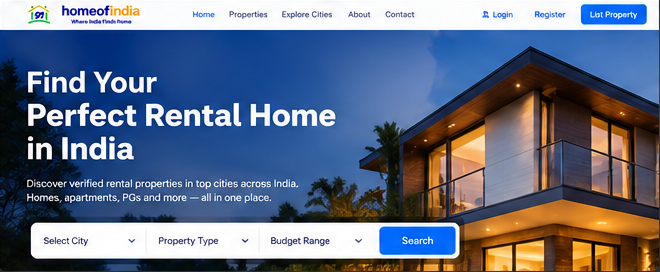 Sample preview · Capture to replace
How it works
Capture website screenshots in three simple steps
☁️1Enter Website URL
›⚙️2Choose Options
›Select view type, device and other settings.
⬇️3Capture & Download
Click the button and download your screenshot.
Frequently Asked Questions
Find answers to common questions about our Website Screenshot tool.
Is this Website Screenshot tool free to use?
The page is free to access. Screenshot capture requires a configured screenshot provider and may be subject to provider usage limits.
Can I capture full page screenshots?
Yes, if the configured screenshot provider supports full-page captures.
Which devices are supported?
Desktop, tablet and mobile viewport presets are available.
Can I block popups and cookie banners?
The option is sent to the capture provider where supported. Results vary by website.
What image format do I get?
PNG.
Does it work on mobile devices?
Yes. The interface adapts to smaller screens.
* Some screenshot features depend on the configured capture provider. Screenshot capture requires server-side configuration.